
Lighting simulator
See what light does to a space.
Pick a real Luz Light project, then dim and brighten the lighting, switch layers on and off and change the colour temperature.
Lighting simulator
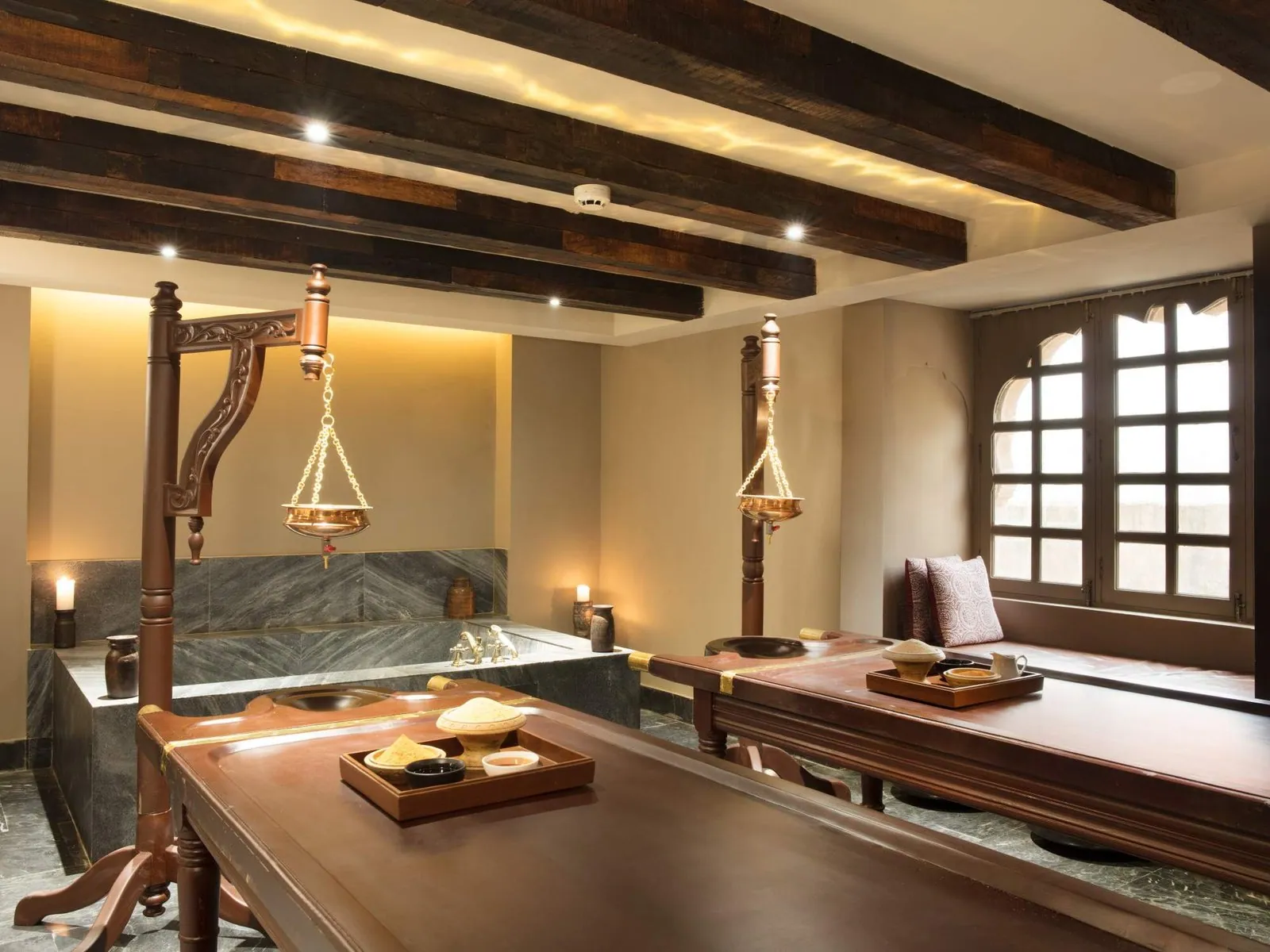
Photograph: Alila Bishangarh · Hospitality
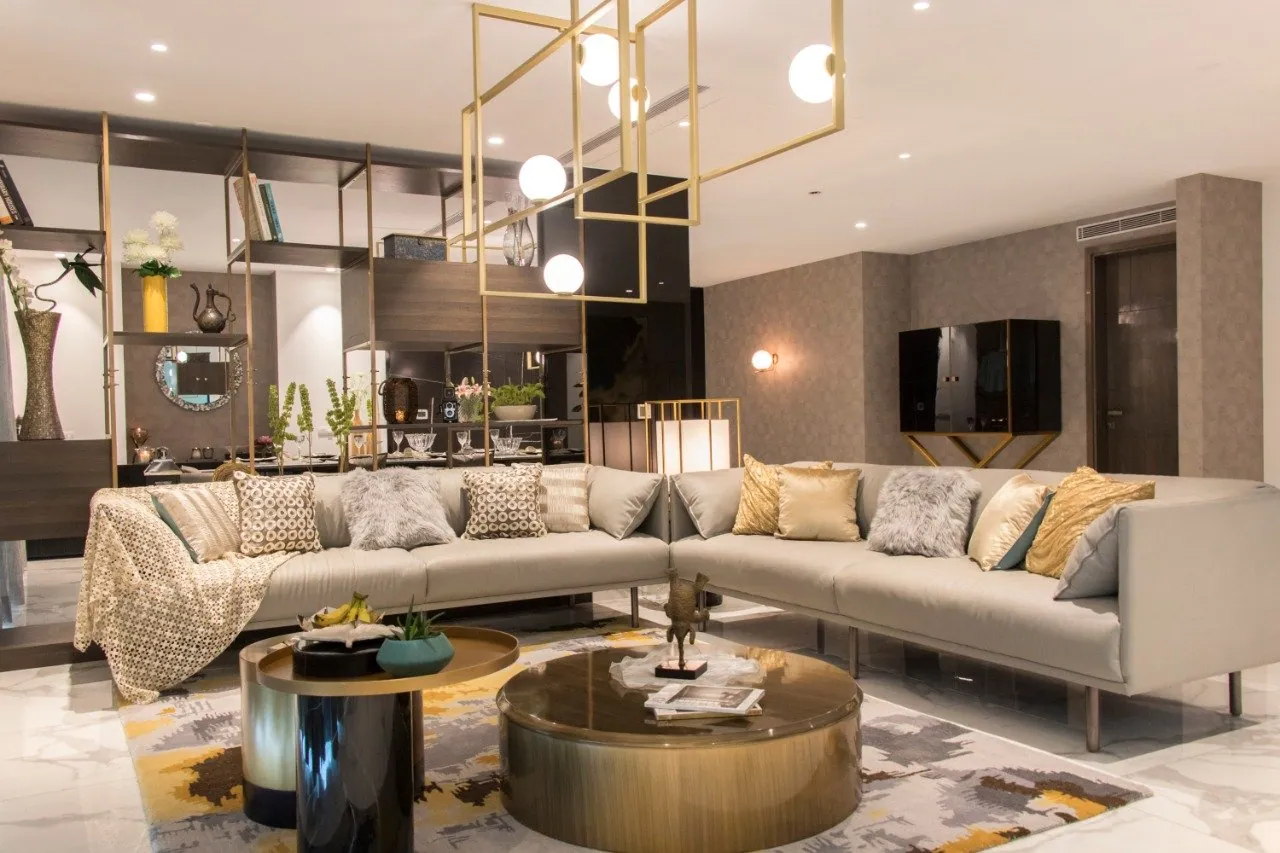
Photograph: Magnolias, Gurugram · Residential
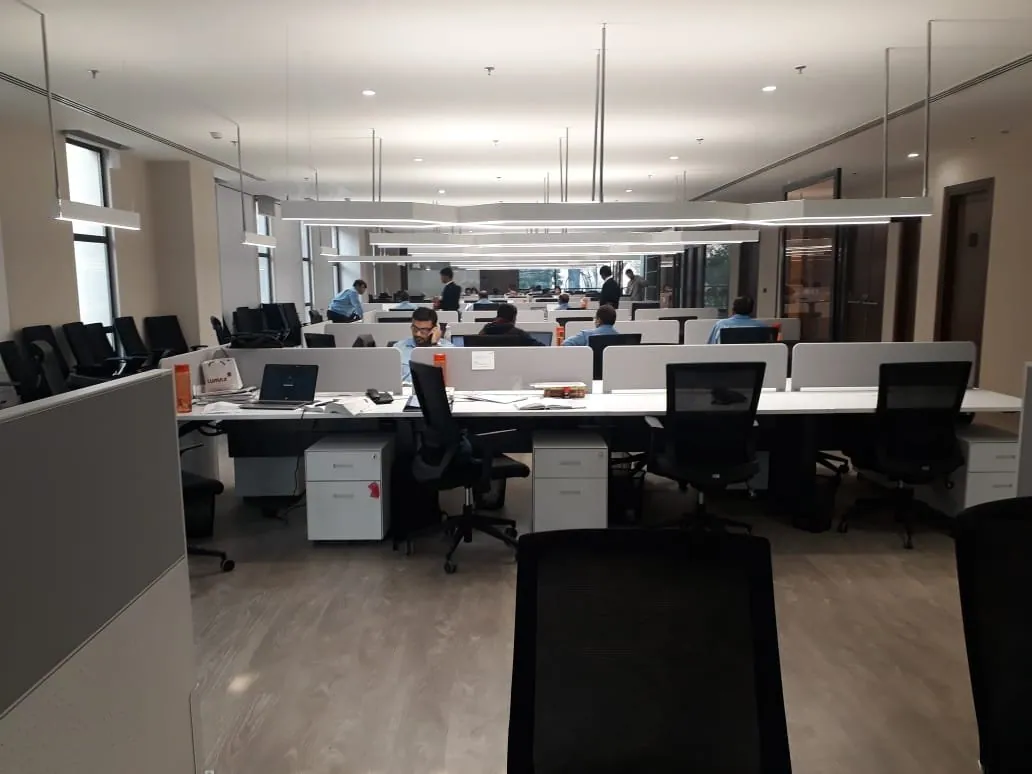
Photograph: Lumax · Office
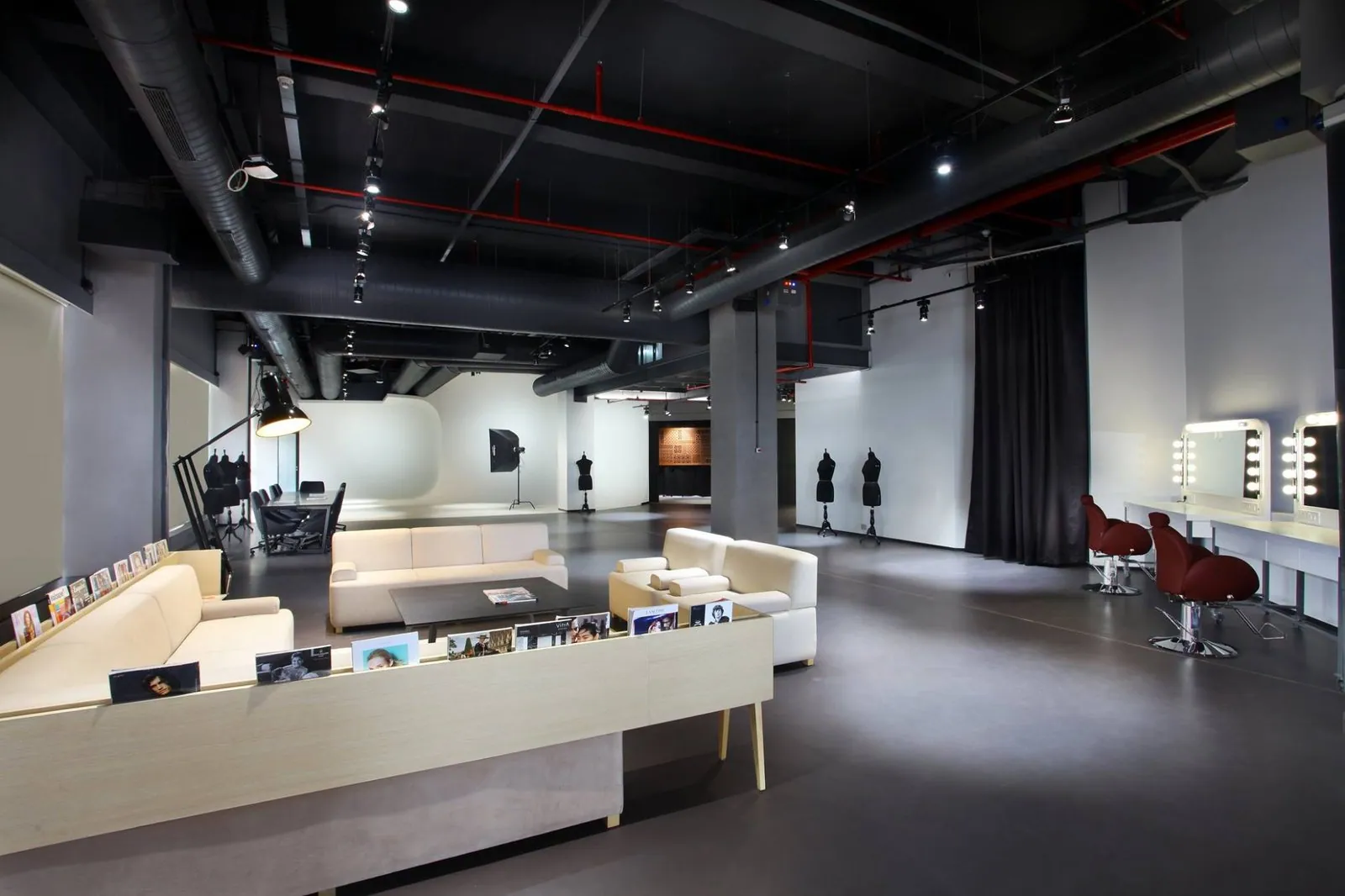
Photograph: Amazon · Retail
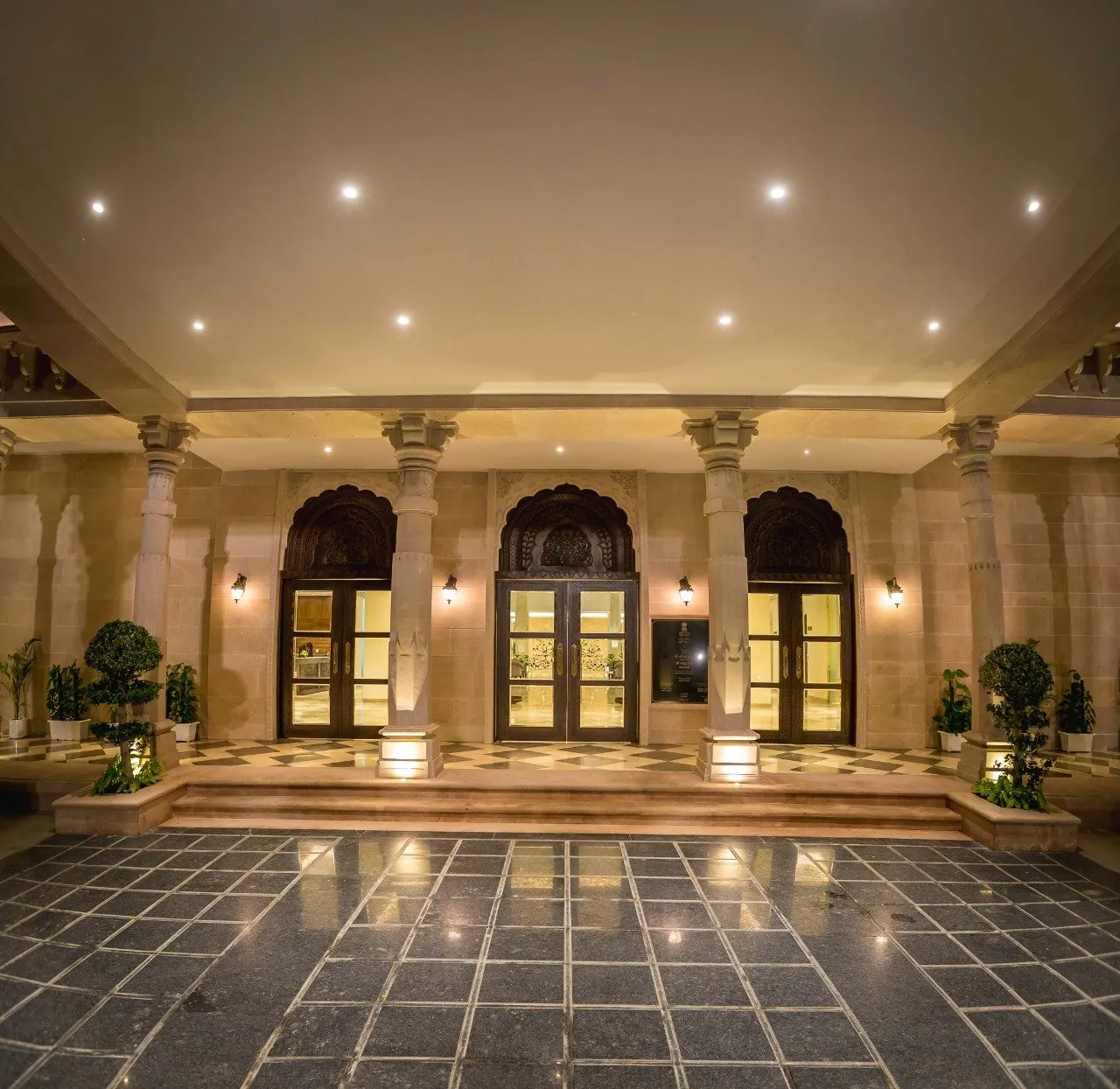
Photograph: Gujarat Bhawan · Retail

Photograph: Alila Bishangarh · Outdoor
0% = lights off · 100% = fully lit, as photographed
2700K warm5000K cool
Lighting layers
Soft general light that lets you see the whole room.
Small highlights that make a space feel lived-in and calm.
Soft general light across the room.
A decorative focal point over the seating.
Wall light, shelving and lamp glow add layers and depth.
Even background light across the floor.
A low level of general light so the room is usable.
Even light on the white walls and floor that bounces back into the space.
Mirror bulbs, floor lamp and studio flash add character.
General glow from the interior and the ceiling.
Traditional fittings that frame each doorway.
Natural twilight, not part of the lighting scheme. Shown so the fort reads in context.
An illustrative simulation built from photographs of completed projects. It shows how lighting layers contribute to a space; it is not a photometric calculation. Actual results depend on fittings, optics, finishes and layout.
What to look for
Three things the simulator shows.
Layers do different jobs
Switch layers off one at a time. Ambient light makes a room usable; accent, cove and feature lighting give it depth and character.
Dimming changes the mood
The same lighting at 30% feels intimate; at 100% it feels energetic. Good schemes are designed to be adjusted through the day.
Colour temperature sets the tone
Warm light flatters timber, stone and skin; cooler light feels crisper and suits workspaces. The right choice depends on the space.
Start a conversation
Want this kind of control in your space?
Tell us about the space and how you want it to feel. We will recommend layers, fittings and controls to suit.